Studying gets easier when your notes test you.
TakeNotes is an iPad notebook for students. Mark what matters while you write, and it comes back as a question before you forget it.
Join the free betaFor iPad · iPadOS 17 or later
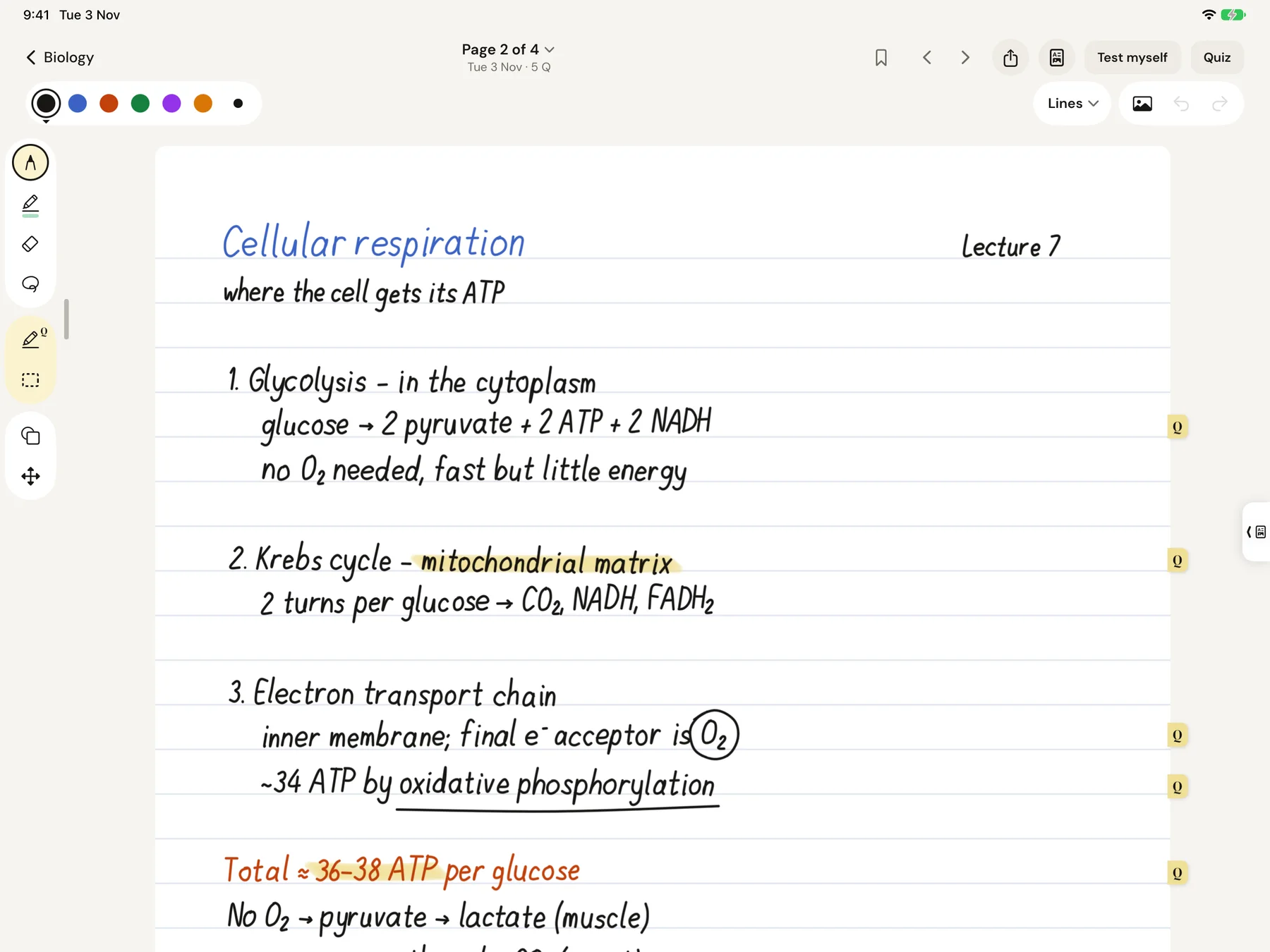


You wrote it all down. So what do you actually study?
Lectures pile up, every page looks equally important, and rereading feels like studying until the exam proves it wasn’t.
And most note apps make you learn the app before you can learn the subject.
A week later, students who tested themselves remembered 61%. Students who reread remembered 40%, even after reading the text about four times as often.
Roediger & Karpicke, 2006of students cram the night before a test. Only 13% plan a study schedule ahead.
Hartwig & Dunlosky, 2012Testing yourself and spacing it out are the two study methods research rates highest. TakeNotes does both, from the notes you already have.Dunlosky et al., 2013



Three steps. You already do the first one.
Mark it.
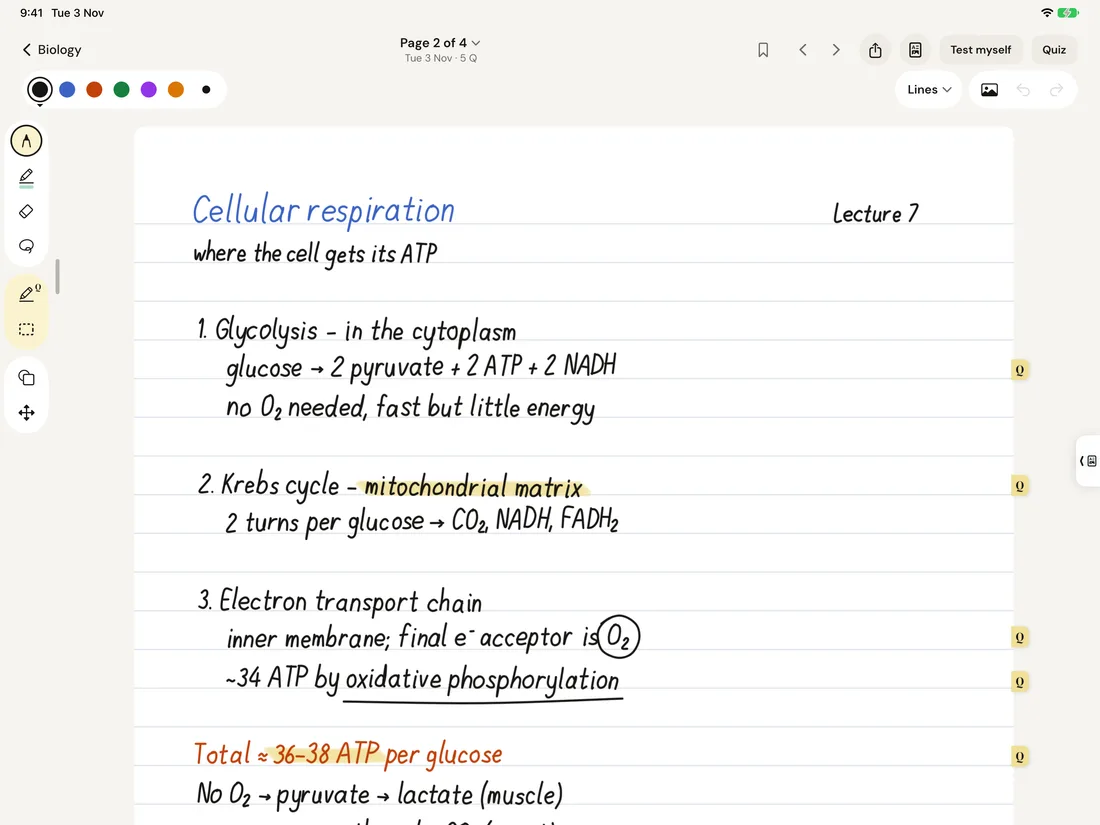
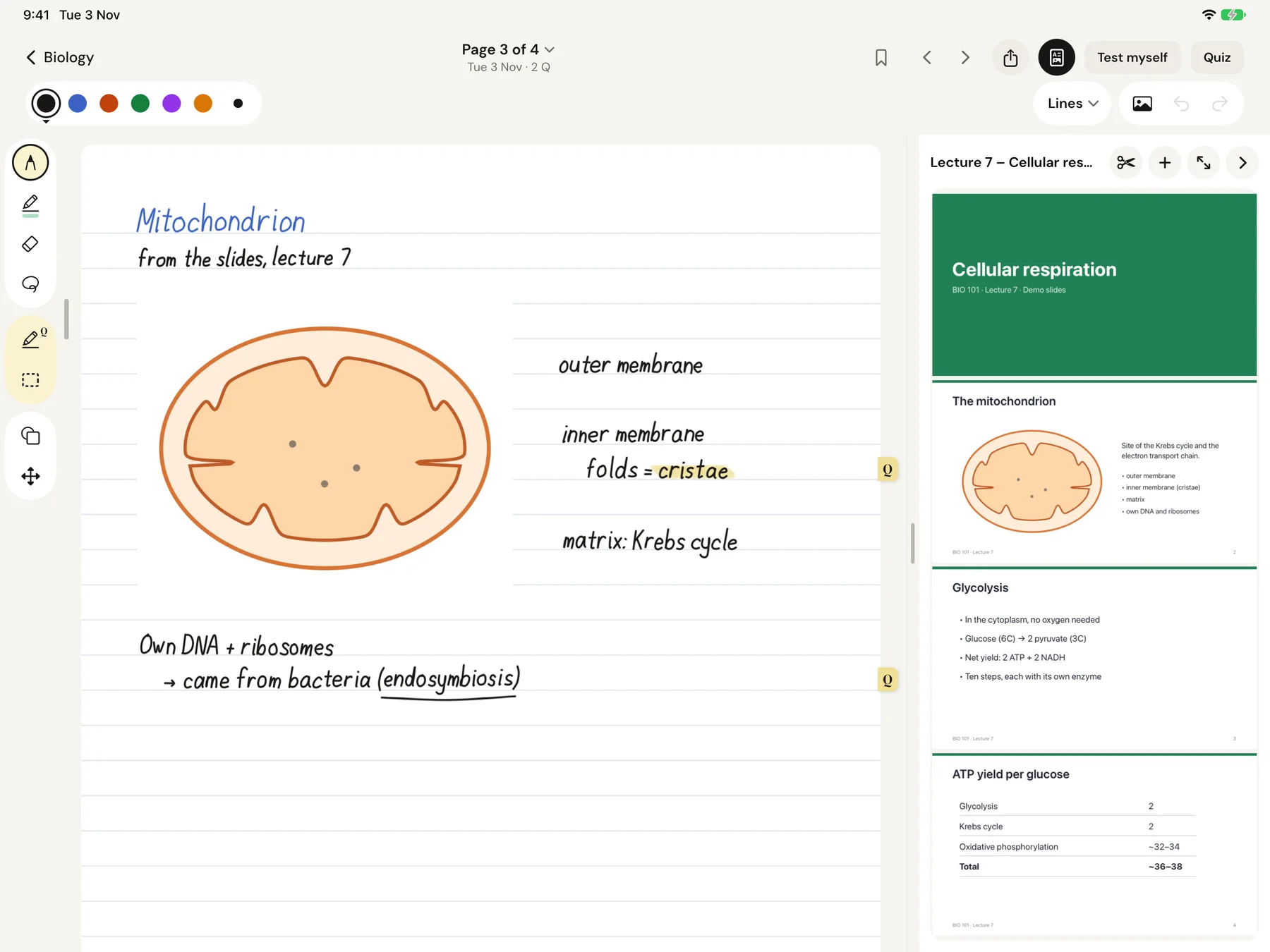
Swipe the question marker over a word, a formula or a picture. That part is now a question. Box a diagram or a slide you cut into your notes, and it’s a question too.
It comes back.
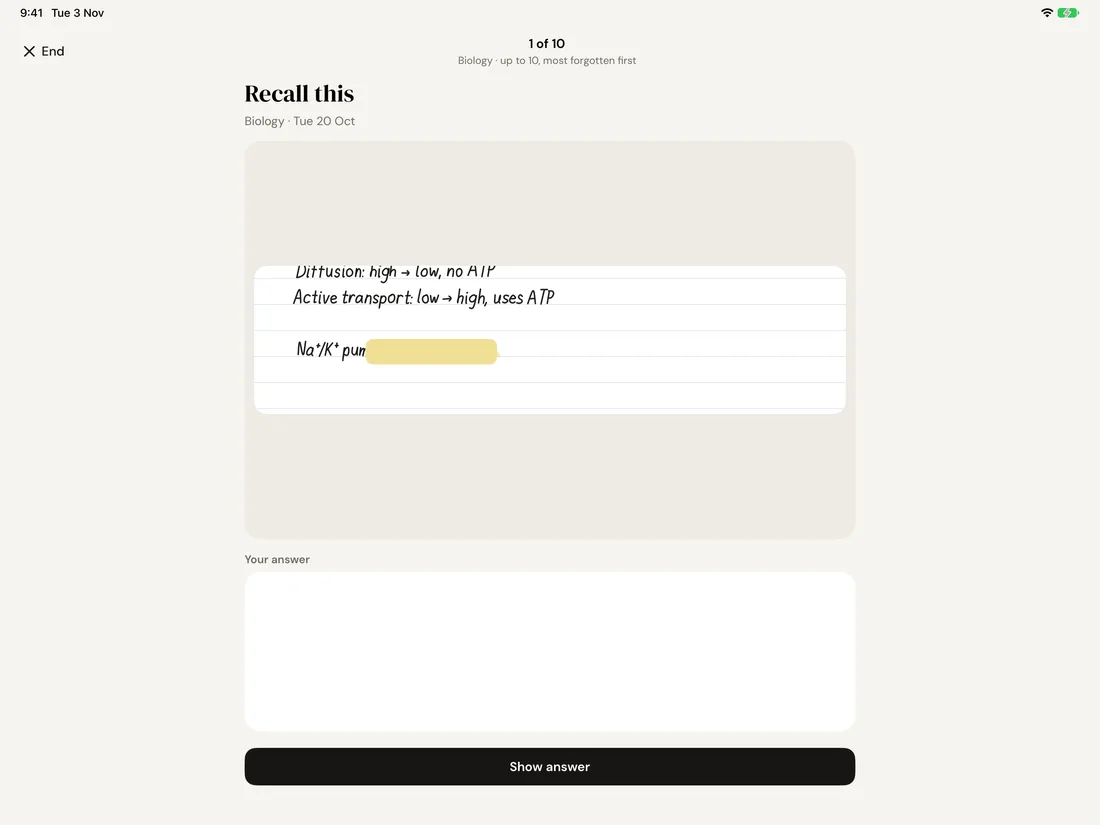
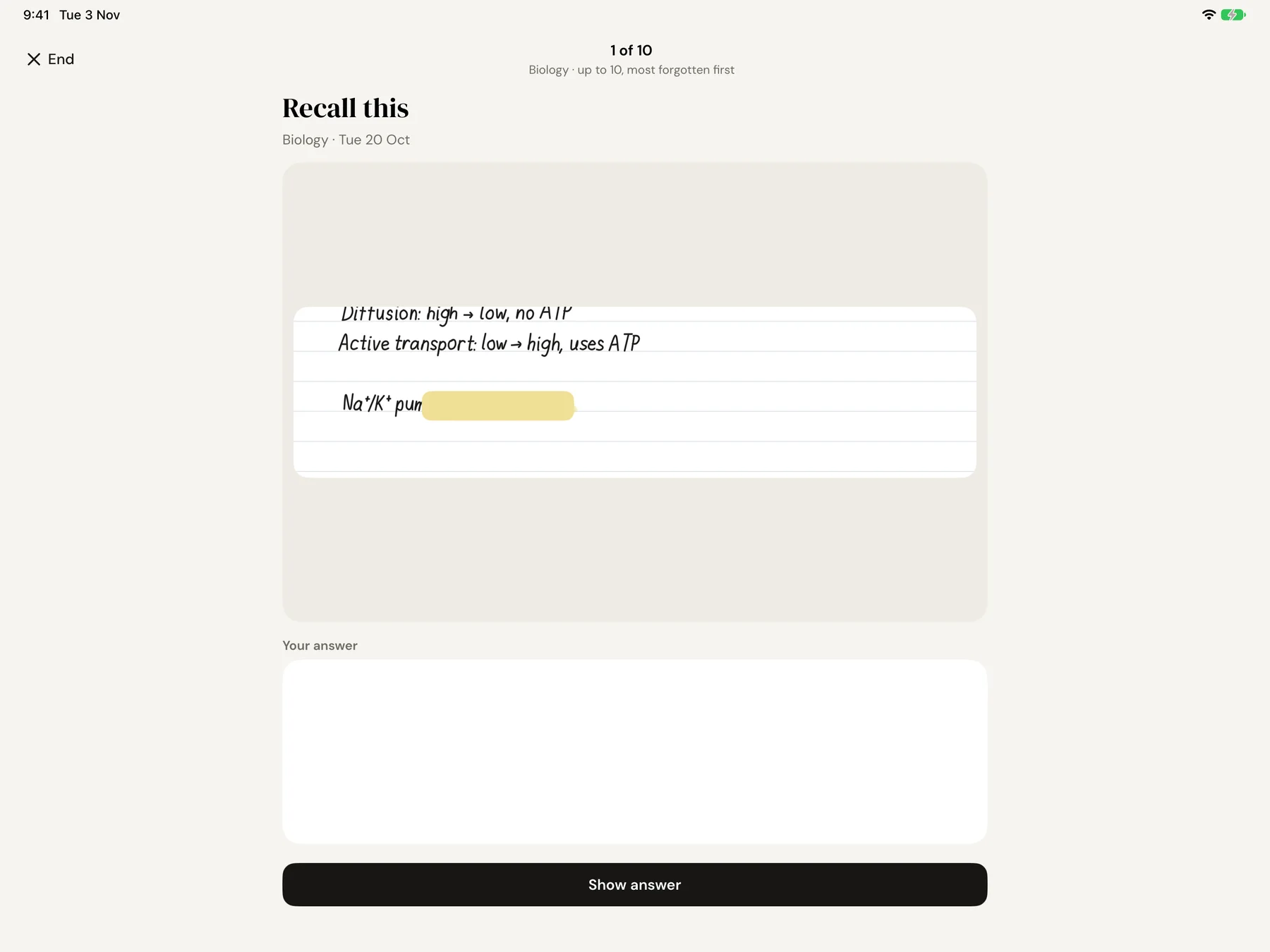
Every day TakeNotes shows you a few questions that are due, the ones you’re closest to forgetting. Your own page, with the answer covered. Write the answer, reveal it, tell the app how you did.
Right before the exam.
Add an exam date and TakeNotes spreads the questions you’re not sure about over the days you have left, with a final run in the last two days.
No AI guessing. Your notes, your questions.
Questions come from what you marked, and your notes stay on your iPad.


A notebook first. Open it and write.
One notebook per subject, pages that keep going, lines or grid in one tap. Pen, highlighter, lasso, shapes, photos. Lecture slides open next to your page, and you can cut any part of a slide into your notes.

Bring your notebooks with you.
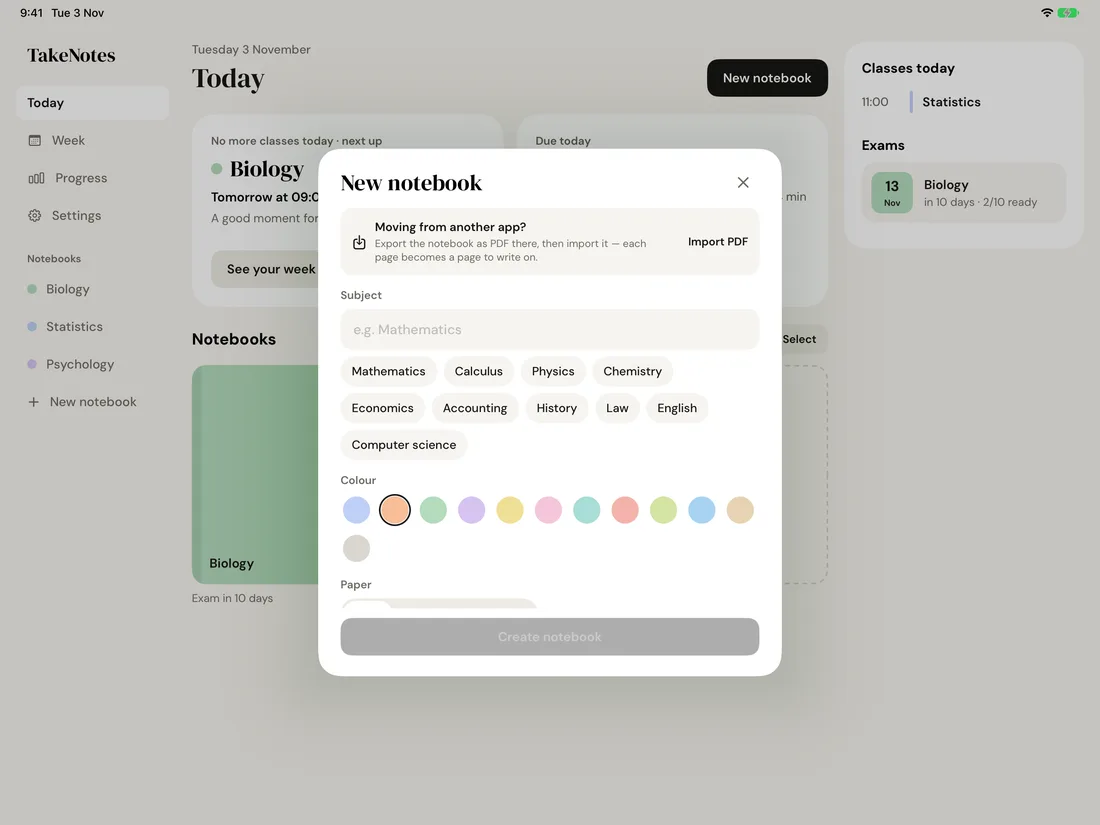
Moving from Notability or GoodNotes? Export as PDF and import it into a new notebook.
It knows your week.
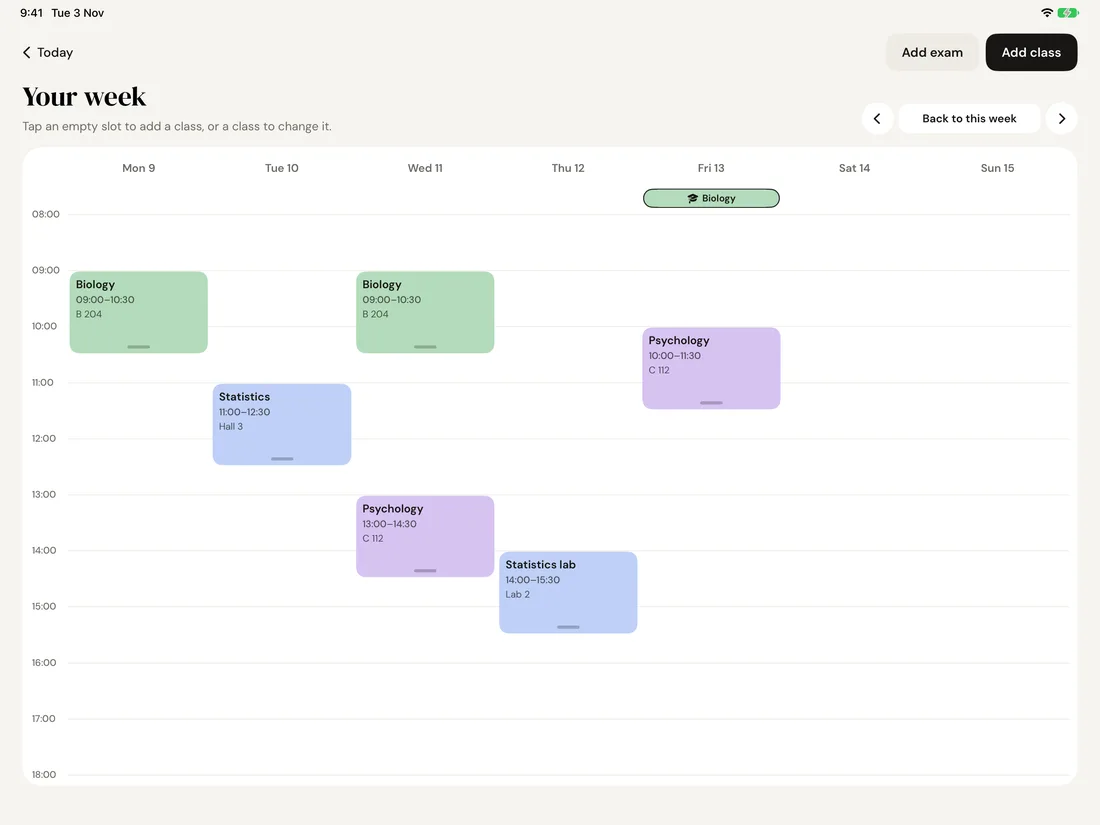
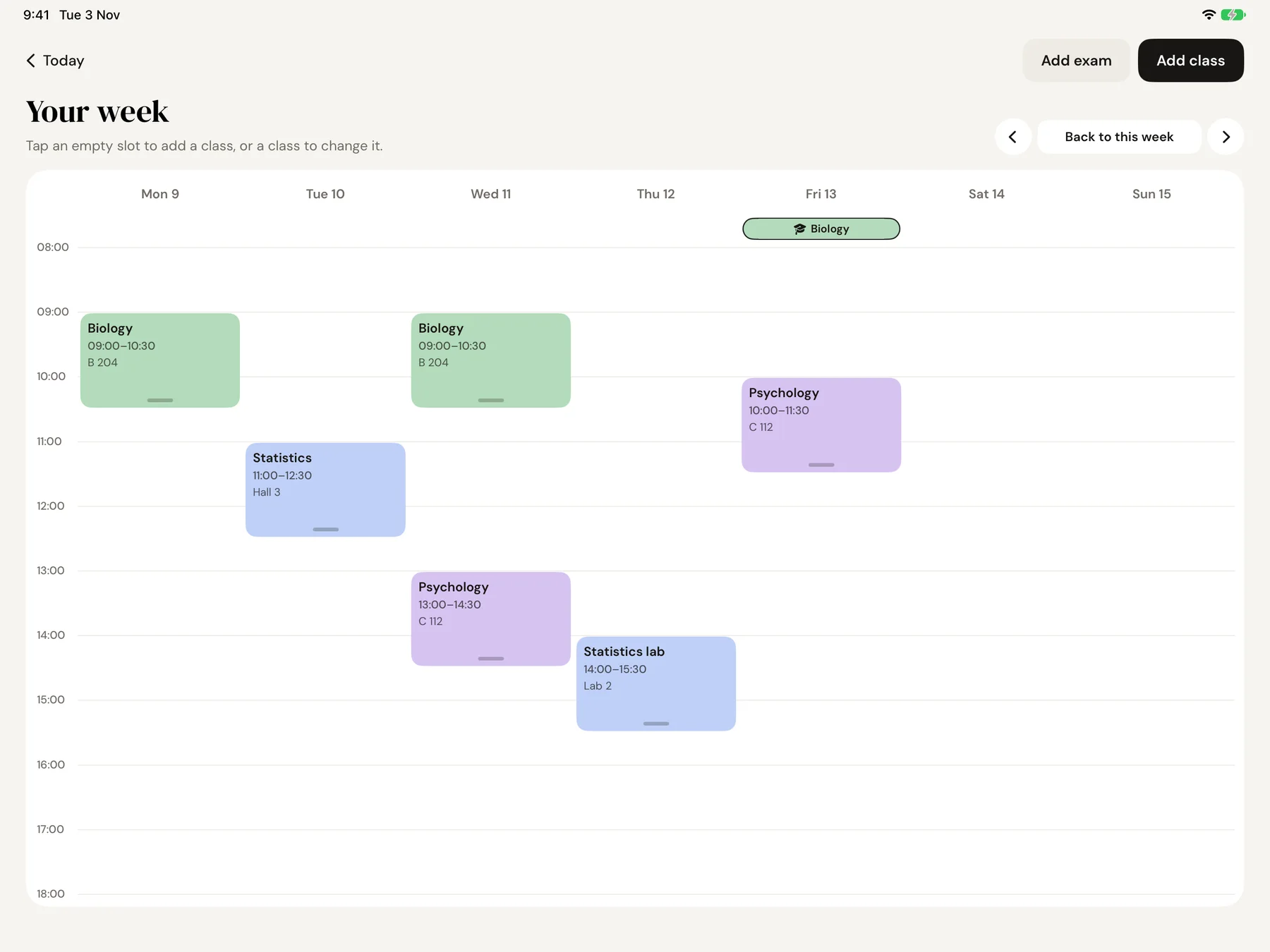
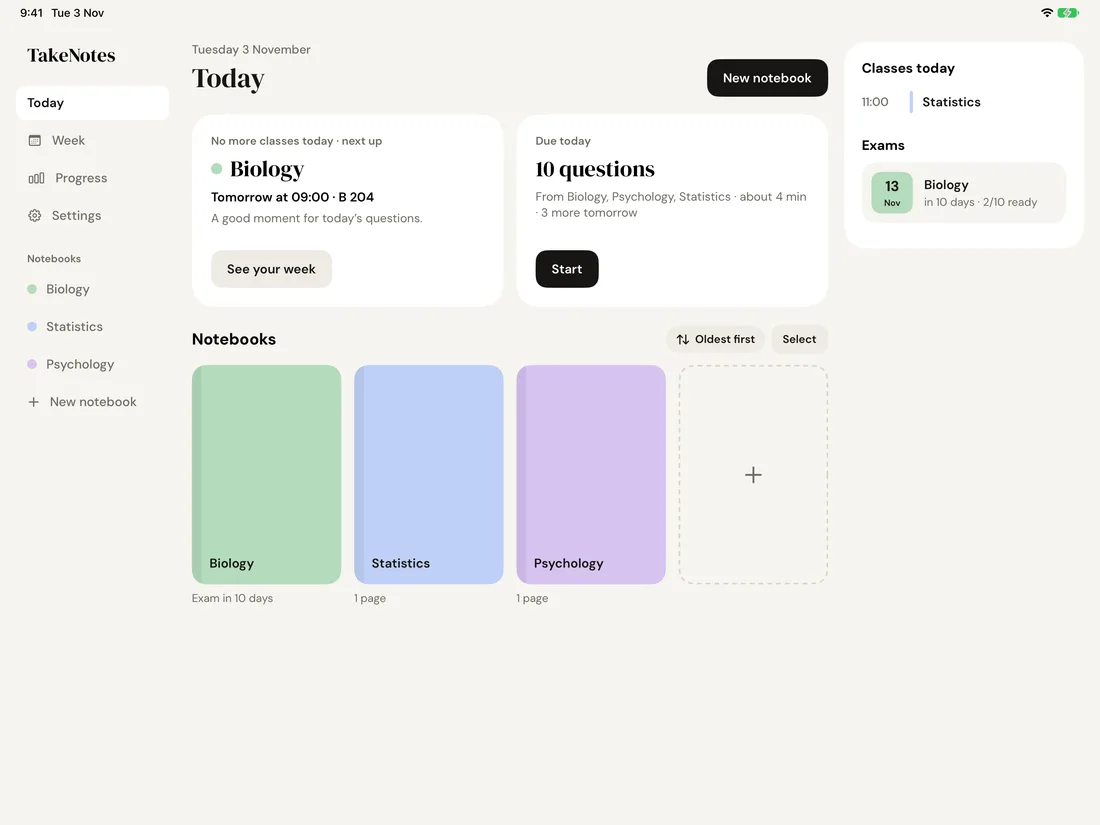
Set your classes once. Today’s notebook is one tap away, and the next class is waiting on the first screen.

Built with the people testing it.
13 people are testing TakeNotes right now. Here’s what they asked for, and what’s in the app now.
A student who pays for Notability said what would make her switch: bringing her notebooks with her. Now she can.
A tester asked to select and move handwriting. The lasso is in.
Testers wanted the highlighter just for highlighting. It’s now its own tool, separate from questions.
A tester asked for an eraser that takes part of a stroke, not the whole line. Done.
A student’s timetable changes week to week. Now you can move a class for one week only.
A tester asked to bookmark pages. Done.
One student’s favourite part: mark it, and it comes back as a question.

Start free. Pay only if you want more.
Free
- Unlimited notebooks and writing
- Up to 10 questions per notebook in your quizzes
- Today’s due questions, always
- 5 extra quizzes a month
Basic
or $9.99 a year
- Everything unlimited
- Smarter daily review
- Exam plan
- Progress and weak spots
Pro
- Built around lectures
- Recording that follows your notes
- Transcripts
- Questions from the lecture
During the beta, every tester gets Basic for free.